Set Up Your Homeschool
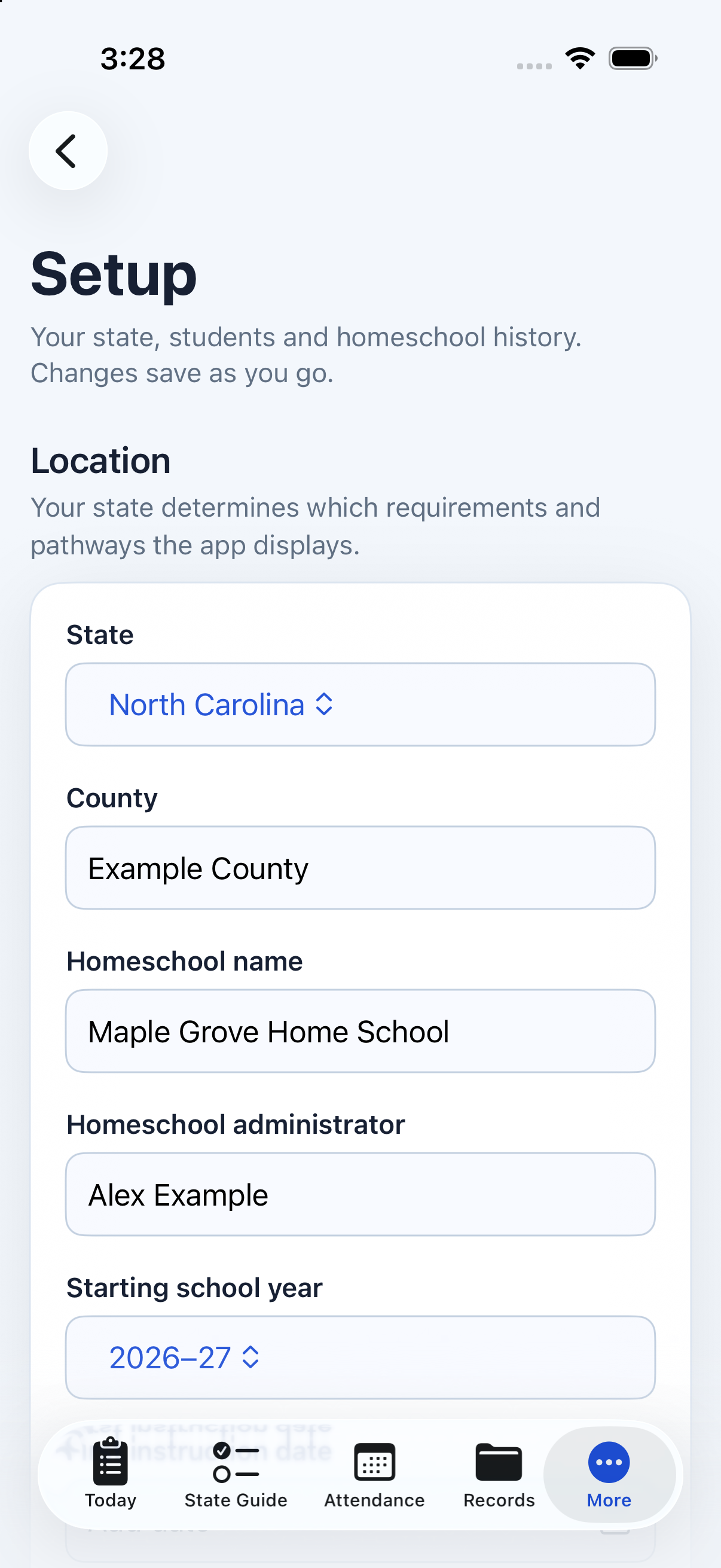
Choose your state and pathway, name your homeschool, set your school-year dates, and add your students.
 Synodos One:Homeschool AssistantComing Soon
State guidance, attendance, testing, and family records—organized in one place on your iPhone. Homeschool Assistant helps you keep the details together, with your records under your control.
iPhone Testing Underway · Not Yet Publicly Available
Running a homeschool means keeping track of more than the school day. Requirements, attendance, testing, and documents all have a place—and each child has a different story.
Homeschool Assistant brings those practical details together. Start with your state and school year, organize each student's information, and keep records close at hand.
You choose what to store, what to keep outside the app, and what to print or share.
Choose your state and pathway, name your homeschool, set your school-year dates, and add your students.
See guidance for your selected state and pathway, with source links to help you check current requirements.
Organize attendance, testing, and documents for each child. Keep a local copy or record that you retain it elsewhere.
Review your checklist and reports. Create an encrypted portable backup, or choose the records you want to print or share.
Keep the family context together while maintaining attendance, testing, and supporting documents for each student.
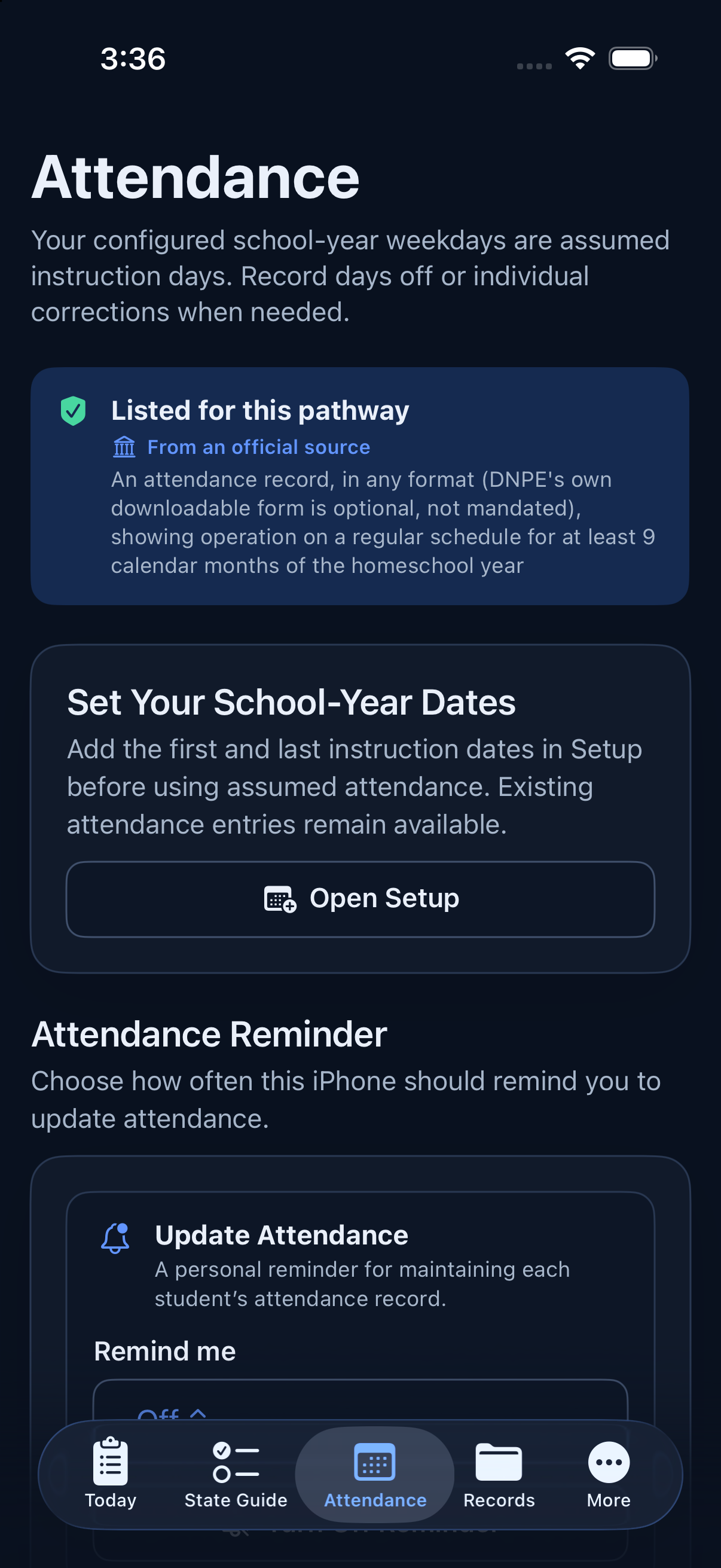
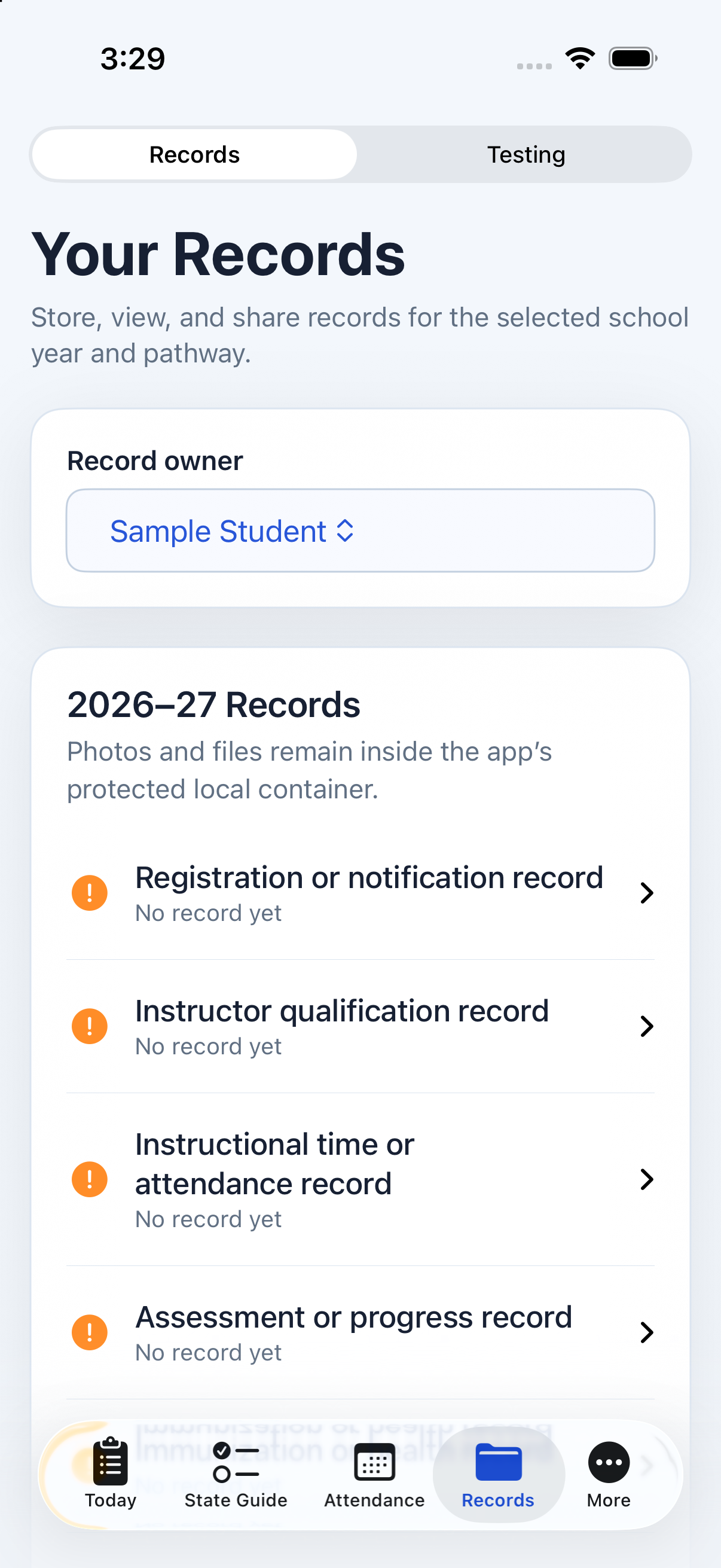
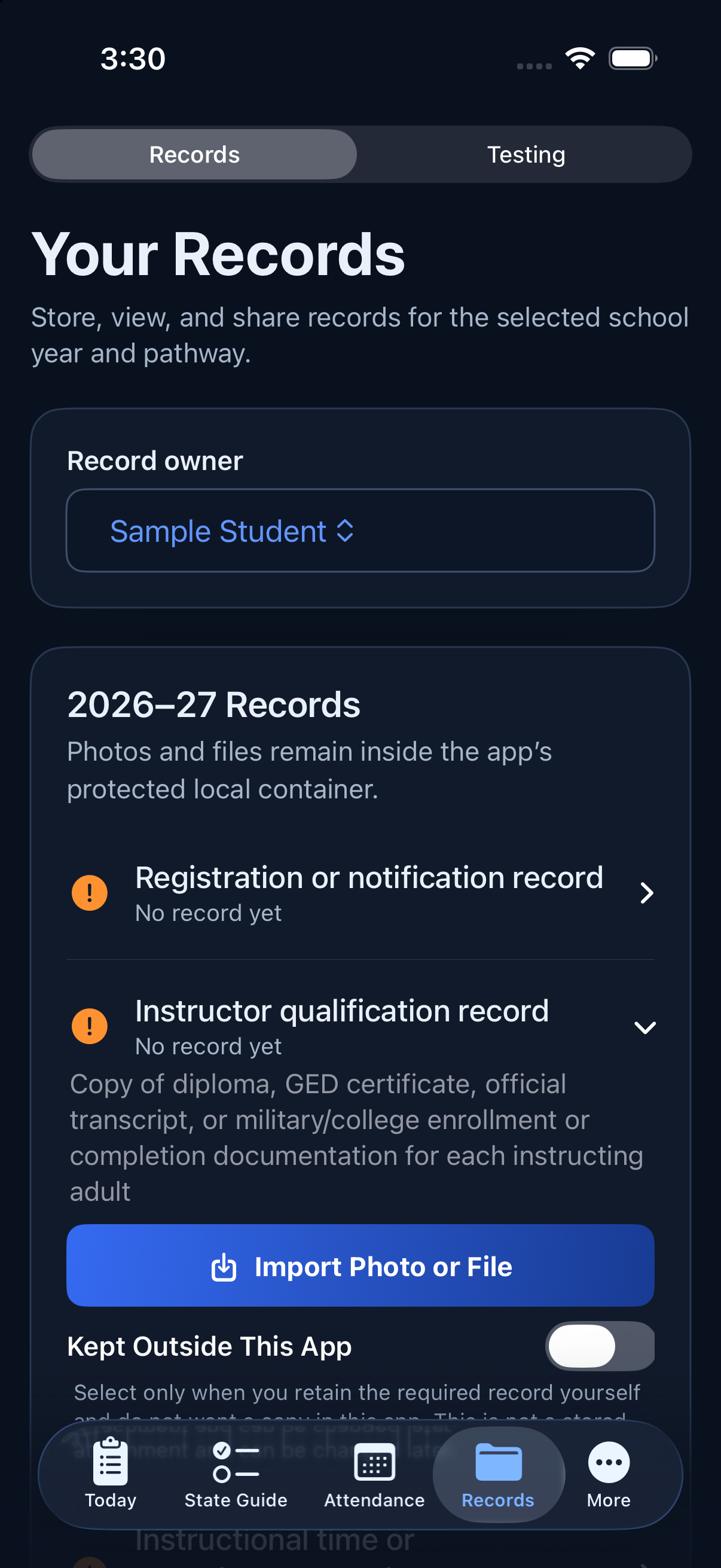
Development screenshots use fictional test data and alternate between Dark and Light appearance. Screens may change before release.
Your configured school-year weekdays start as assumed instruction days. Enter days off and corrections when needed, separately for each student.
Review the assumed instruction days that have occurred within the school year, adjusted by the exceptions and corrections you entered.
Look ahead across your configured school-year dates, including future assumed instruction days and the days off you have already entered.
Attendance reports are organizational records based on your setup and entries. They do not certify attendance or legal compliance.
Keep testing results, establishment records, and other supporting documents organized. Upload a file, choose a photo, or scan a paper record into the app's local storage.
Your state and selected pathway shape the guidance, requirement records, and links displayed in the app.
Review what official sources list for your state and pathway.
Follow official source links to confirm current details.
Use the checklist to organize your next steps.
Requirements can change and may vary locally. The app provides educational information and recordkeeping tools, not legal advice or compliance certification.
Family records are stored on your device. The app does not send them to the Provider, and the Provider cannot access them through the app.
No account system. No Provider-operated backend or cloud service for family records.
Read the Privacy PolicyPractical answers about the app and your records.
iPhone testing is underway. Homeschool Assistant is not yet publicly available. This site will be updated when release information is ready.
No. Your configured school-year weekdays begin as assumed instruction days. Record days off and corrections when needed. Review the Actual or Projected report before relying on or sharing it.
Yes. Add multiple students within your homeschool setup and maintain individual attendance, testing, and supporting records.
Yes. State and pathway choices affect the guidance, requirement records, and source links shown. Confirm current state and local requirements with the appropriate official source.
No. You can mark a record as “Kept Outside This App” when you retain it yourself. Where available, an N/A option records that a requirement does not apply to your circumstances. These choices do not remove your responsibility to keep any required records.
No. Homeschool Assistant focuses on educational requirement information and local recordkeeping. It does not provide curriculum, lesson planning, grading, transcripts, testing recommendations, or score evaluation.
The app has no account system or Provider-operated cloud service for family records. Records are stored on your device. Apple device backups and destinations you choose for exports are separate services under your control.
Each item shows one of four labels. “Checked against official text” means it was compared with an exact quote from the official page, which you can read in the app. “From an official source” means it’s summarized from a linked official page. “Check your state’s official page” means official sources didn’t settle it or it depends on your program. “Not listed by official sources” means the sources reviewed don’t list it. The guide is educational, not legal advice.
Setup is free. The full State Guide, reminders, and adding new records need an annual subscription through Apple, with a free trial for new subscribers. One subscription covers your Apple Family Sharing group. If a subscription ends, records you already saved stay viewable, printable, and exportable.
Yes. Records stay on each iPhone, so most families keep one iPhone as the home for their records and share an encrypted backup to give the other iPhone a copy. Restoring replaces what’s on the receiving iPhone. See Using Homeschool Assistant on more than one iPhone.
Yes. Review an individual student’s Actual or Projected attendance report, then use the available print, save, or share options. Check the report type, dates, and entries before using it.
Reminders are scheduled locally and depend on notification permission, device conditions, and iOS settings. Keep your own plan for important deadlines; reminders do not guarantee delivery.
Homeschool Assistant is not yet publicly available. We are testing the app before release and will share availability here when it is ready.
Contact Us About the AppQuestions about Homeschool Assistant and its availability.
Email is separate from the app's local records. Share only what is needed for your question; please leave out student documents and other sensitive family information.